

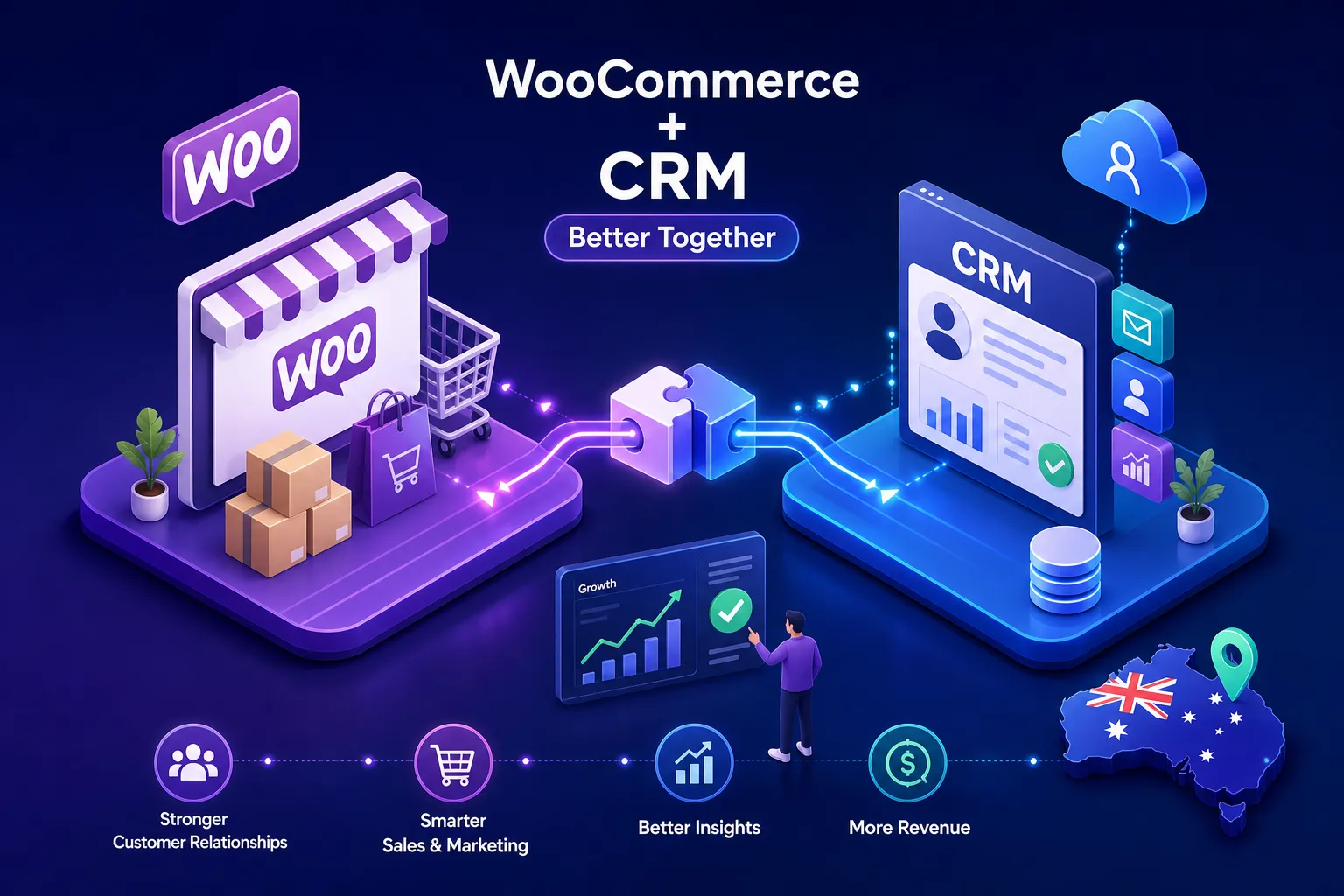
So what is the best CRM to integrate with WooCommerce for an Australian ecommerce business?
The orders are coming in. Customers are returning. But your customer data is split between WooCommerce, your inbox, a spreadsheet your team half-maintains, and possibly a notes app on someone’s phone. Connecting a CRM seems like the obvious fix, until you realise there are a dozen options and the wrong choice means three months of setup work you’ll eventually need to undo.
The three platforms the team at Three Steps Business encounters most often are ActiveCampaign, HubSpot, and GoHighLevel. Each handles the WooCommerce connection differently, and most comparison posts focus on feature checklists rather than what breaks at integration time. By the end of this article, you’ll have a clear shortlist and a realistic picture of what WooCommerce CRM integration actually costs.
What a WooCommerce CRM actually needs to do
Not every CRM that connects to WooCommerce does the same job. A genuine integration should sync customers, orders, products, tags, and custom fields, not just pull in an email address and a first name. Order-level data is what powers post-purchase automations: a win-back sequence that fires 30 days after a customer’s last purchase, filtered by the product category they bought, requires that your CRM knows what they bought and when.
This is where the three platforms diverge sharply. Some CRMs store the data but can’t trigger meaningful automations from it. For example, HubSpot needs its Professional plan before workflow-driven line-item automation is available, which pushes costs well past what smaller stores budget for. Understanding which camp each platform sits in before you commit saves you from a painful mid-project pivot.
Best CRM to Integrate with WooCommerce for an Australian eCommerce business, ActiveCampaign, HubSpot, and GoHighLevel compared
ActiveCampaign has a dedicated WooCommerce plugin that delivers real-time sync: customer profiles, orders, product catalogues, abandoned carts, and subscription data all flow into contact records via its Deep Data integration. The automation builder is well-regarded for complex, multi-condition sequences, and configuration effort varies depending on your connector choice. If your store has a long customer lifecycle and you need intricate follow-up logic, ActiveCampaign handles it well. The trade-off is that the native plugin requires more hands-on configuration than HubSpot’s out-of-the-box setup, and Zapier-based alternatives sync significantly less data.
HubSpot offers a comprehensive native sync across customers, orders, and products. It’s worth noting that basic product and order sync is available on Starter-tier setups, while automated line-item workflows, where the real power lies, require a Professional plan. That’s a significant cost step for smaller stores. Where HubSpot earns its place is when your business also runs a sales team: the CRM side is genuinely strong, and the WooCommerce data sits inside a complete customer record rather than a siloed marketing database. For merchants evaluating sync tools, HubSpot’s catalogue of integrations includes dedicated WooCommerce sync listings such as WooCommerce Integration via WPFusion.
Go High Level is a full-featured CRM and marketing automation platform designed for agencies and small businesses. When integrated with WooCommerce via a native plugin or middleware like Zapier, it syncs customer profiles, order data, and purchase history to power pipelines, SMS and email campaigns, and appointment workflows, all from a single dashboard. Unlike ecommerce-only tools, Go High Level lets you manage deal stages, assign leads, and build custom funnels alongside your WooCommerce orders. However, achieving real-time, line-item sync often requires extra configuration, and it doesn’t include prebuilt ecommerce flows out of the box. If you need deep CRM functionality, complete with sales team tooling, two-way SMS, and membership site capabilities, Go High Level delivers an all-in-one solution, but expect a longer setup compared to purpose-built ecommerce email platforms.
Australian integrations: Xero, Stripe AU, and the tools your store depends on
Afterpay, MYOB, and Australia Post shipping data each require workarounds regardless of which CRM you choose, and for Australian WooCommerce stores, this local accounting layer matters far more than most guides acknowledge, usually until reconciliation falls apart at tax time.
HubSpot has a built-by-Xero app that lets you create and send invoices directly from the CRM, with Stripe AU supported for automated payment logging and reconciliation. If Xero sits at the centre of your finance operations, HubSpot offers the most direct path to a WooCommerce CRM integration that covers your accounting stack. ActiveCampaign has no native Xero integration and requires middleware such as Zapier or Make to bridge the two. GoHighLevel is ecommerce-focused offers accounting integrations with Xero.
None of the three CRMs natively support Afterpay or Zip. These payment options typically flow through Xero’s Stripe integration rather than directly through a CRM. MYOB requires custom API work with no plug-and-play solution across any of these three platforms. Australia Post shipping data generally flows through an inventory tool first, then into Xero, and potentially into a CRM via connector. If your operation is MYOB-heavy, budget for custom development regardless of which CRM you choose.
Real costs and when DIY stops making sense
HubSpot’s free WooCommerce plugin covers basic syncing, but HPOS support adds roughly $200 per year as a paid add-on, and automated line-item workflows require a Professional plan. The WooCommerce Zapier extension runs around $79 per year on top of Zapier’s own subscription fees. WP Fusion, a popular bridge plugin for connecting WooCommerce to various CRMs, starts at $297 USD per year and scales depending on features and CRM count. (Note: prices are subject to change and may attract GST or currency conversion costs for Australian buyers.)
The hidden cost that catches most store owners out isn’t the subscription fees. It’s the cleanup after a poorly configured integration. Contacts duplicate, orders fail to sync, and automations fire on stale data. Xero reconciliation then falls apart at the seams. A properly architected WooCommerce CRM integration typically takes four to eight weeks and involves connector configuration, field mapping, automation logic, and thorough testing across real order scenarios.
This is the point where many Australian ecommerce owners engage a specialist to scope the integration before committing to a platform. Three Steps Business is a Sydney-based fractional tech team that works specifically on these setups, building WooCommerce integrations designed to stay stable as the store scales rather than creating technical debt that compounds alongside the business.
Which CRM should you choose?, quick answer and next steps
If you’ve been asking what is the best CRM to integrate with WooCommerce for an Australian ecommerce business, the honest answer is that it depends on one decision: what does your store need to do with the data once it’s synced?
HubSpot suits businesses where Xero integration and a sales team CRM both matter. ActiveCampaign suits stores that need complex, multi-step automation logic and want a tighter budget than HubSpot’s Professional tier demands.
The connector itself is only part of the equation. The automation logic and data structure underneath it determine whether the investment pays off. Before committing to a full setup, audit what data your store currently captures, then decide which criterion matters most: automation depth, accounting integration, or ecommerce-native flows. Start a free trial with your shortlisted platform before spending a dollar on implementation. If you’d like a second opinion on the architecture, reach out to Three Steps Business for a free scoping conversation before you commit.

